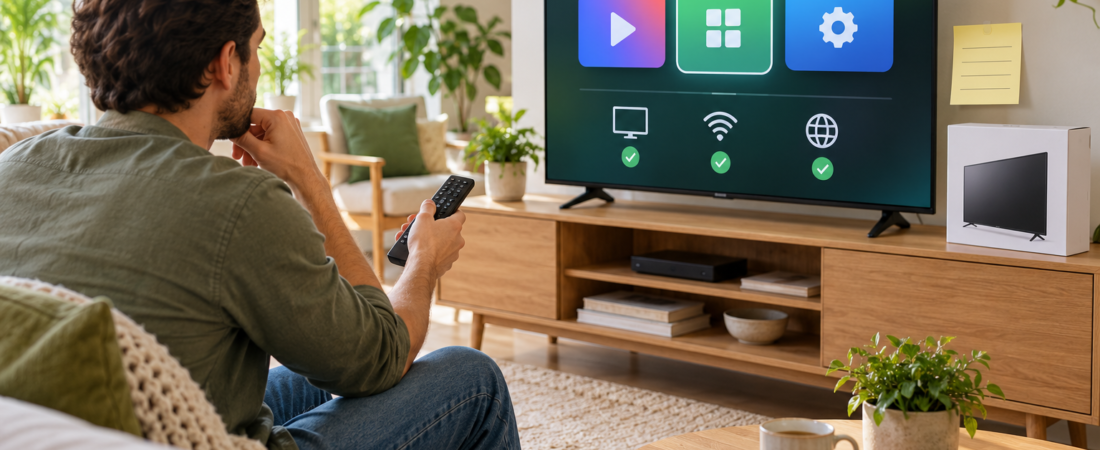
IPTV for smart TV compatibility depends on the exact model, operating system and region. A “smart TV” is not one uniform platform, so an app offered for one television may not be available on another. When comparing IPTV for smart TV viewing, start with the full model number and the television maker’s official app store. Do not assume a provider supported on one television brand will work on another.
Table of Contents
IPTV for smart TV: identify the exact television platform
Find the complete model number in the TV settings or on the label at the back. Note the operating-system version and country setting. Then search the television’s official app store for the exact app the provider recommends. Verify the publisher and app listing on the TV itself, because a general compatibility page can become outdated or refer to a different model range.
Ask whether the provider supports that exact app version and how activation works. If the app is from a separate developer, find out who handles updates, privacy questions and technical support. A player is not necessarily the same product as a content service. Do not install an unknown file or enter account credentials into an app whose origin you cannot confirm.
For platform-specific steps, consult the manufacturer’s documentation. For example, Samsung’s official guide to installing and managing TV apps explains app discovery through the TV’s Apps menu and notes that options can vary by model. Apply the same rule to other brands: use the exact model’s support page, then confirm the IPTV app with its provider.
Compare built-in apps with a streaming device
A built-in TV platform avoids another box and remote, but manufacturers may stop updating older models sooner than newer streaming devices. A separate device can offer a different app store or more frequent updates, though it adds a purchase and another network connection. Compare the total setup cost and confirm that both the device and its app are supported before you buy either.
Update the TV software, restart it and test the app on the network you normally use. If the TV is far from the router, a weak Wi-Fi signal can look like a service problem. Compare playback in another streaming app, try Ethernet if the TV supports it, and test again at the time your household usually watches.
Evaluate the offer before checkout
Ask what content is available where you live and what rights authorize the service to distribute it. Review the complete plan price, billing interval, renewal date, cancellation steps, refund terms and support hours. Confirm the difference between the number of devices that can be activated and the number of simultaneous streams. If the guide or a specific channel matters, ask whether it is currently included instead of relying on a headline promise.
Compare the website’s plan details, terms of service and refund policy. Keep a copy of what you reviewed. If support cannot answer a model or billing question clearly, pause before starting a longer subscription.
Smart-TV compatibility checklist
- Record the full model number, region and operating-system version.
- Search the exact app in the TV’s official store and verify its publisher.
- Confirm who supports the app, account and content service.
- Test guide data, audio, captions and playback on your usual network.
- Read stream limits, renewal, cancellation and refund details.
For supported setup information, see the Marinios setup guide. If your TV is not listed, send support the full model number using the contact page and ask for a written compatibility answer.
IPTV for smart TV: final checks before you choose
Before paying, confirm that the exact television, region and software version are supported in writing. Test the app on your home network, then verify the channels and features that matter to your household. Check how many screens can play at once, whether a trial converts automatically, when billing begins and how cancellation works. Keep the provider’s answers and the plan terms together so you can compare the offer with another option later.
Frequently asked questions
Does every smart TV support IPTV apps?
No. App-store catalogs and software support vary by model, year, operating system and region. Verify the exact television rather than relying on the word “smart.”
Is a separate streaming device better?
It may provide a supported app when the television’s store does not, but it adds cost and another device. Check compatibility and total price first.
What should I test before subscribing?
Test the actual TV, app and network you plan to use. Check playback, program-guide information, captions, audio, support and plan limits.