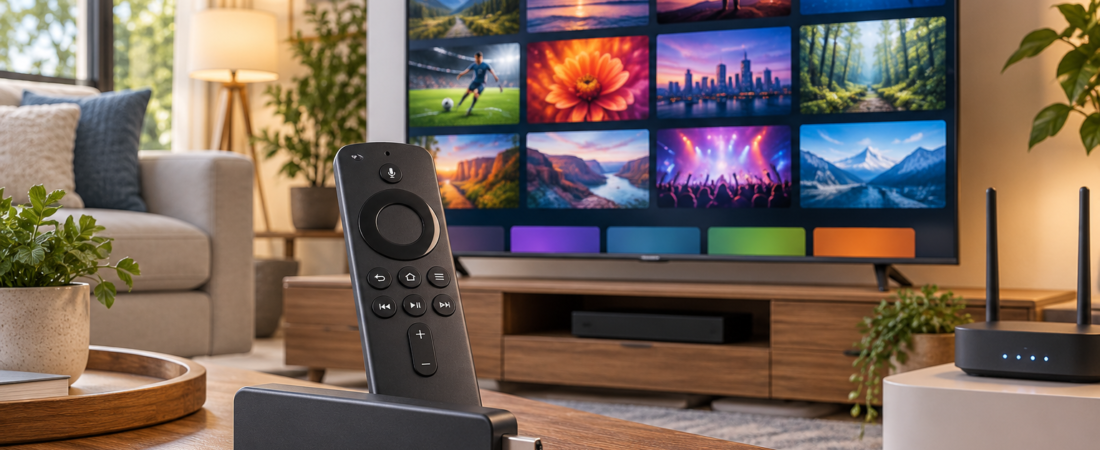
Choosing an IPTV service for Firestick starts with two checks: whether the provider lawfully serves the content you want in your location, and whether its supported app works on your exact Fire TV device. A long channel list or a generic “Firestick compatible” badge is not enough to make a reliable buying decision.
Table of Contents
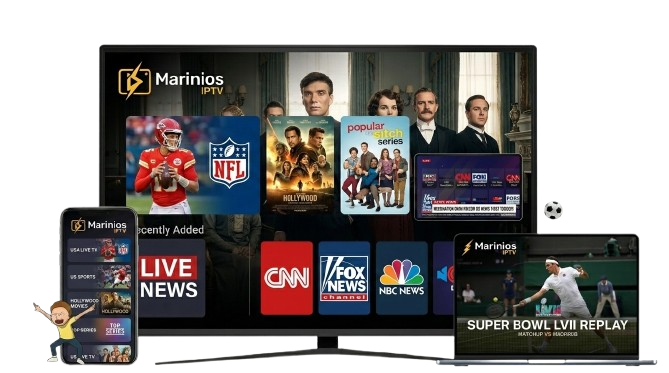
IPTV service for Firestick compatibility checklist
Before comparing offers, confirm the exact Fire TV model and supported app, check country-specific channel rights, compare simultaneous-stream limits, and read renewal and cancellation terms. A suitable IPTV service for Firestick should explain each point before checkout; if the answer is vague, pause and verify it.
Confirm the app on your exact Fire TV
Write down the Fire TV model and software version, then ask the provider for the precise app name and activation steps. Search for the app in the device’s official app store and confirm the publisher before installing it. A player app and an IPTV subscription are separate things: a player may only decode a playlist, while the provider is responsible for the service, account, support and rights to distribute its programming.
Avoid random download files, copied activation codes or instructions that ask you to disable security protections. If the suggested app is not available through an official store, ask the provider to explain its source and support policy before entering account details. You can compare your setup with our device setup guide and confirm the current subscription details.
Check rights, location and plan terms
Ask which channels or categories are included in your country, how often the lineup changes, and what rights cover the service. Do not rely on a promise that “everything is included.” Review the written price, billing interval, renewal date, cancellation process, refund rules and support hours. Also distinguish the number of devices on which an account can be configured from the number of streams allowed at the same time.
Before checkout, compare the offer with the site’s terms of service and read the U.S. Copyright Office overview for general copyright information. Availability and rights can differ by territory, so verify the conditions that apply where you watch.
Run a useful Firestick test
Use a short trial, if offered, on the Firestick and Wi-Fi network you plan to keep. Test at both a quiet time and a busy evening. Check live playback, the program guide, captions, audio, search and the categories you actually watch. Repeat one test over Ethernet if your device supports it. If only one app buffers, note the time and error; if every app struggles, inspect the home network before blaming the provider.
- Confirm the exact Fire TV model, app and publisher.
- Read device, simultaneous-stream, renewal and refund limits.
- Test the same network, room and viewing time you normally use.
- Keep account credentials private and use a unique password.
Frequently asked questions
Does every IPTV service work on Firestick?
No. Compatibility depends on the model, app availability, region and provider login method. Get the exact supported app in writing before paying.
Should I buy a long plan before testing?
First verify the terms and test the service on your own device and network. A short test can reveal app, guide or connection problems that a generic compatibility claim will not.
Is a player app the same as an IPTV provider?
No. The player may be software from a separate developer; the provider supplies the account and content service. Check the publisher and each party’s privacy and support terms.
For a broader comparison, read our Marinios IPTV review and trial checklist and review the trial conditions before deciding.
When to pause a purchase
Stop before checkout if the app is offered only through an unverified download, the provider will not explain its service terms, the price changes at checkout, or support cannot clarify account limits. Save a copy of the plan details and keep your confirmation email. If playback fails, note the device model, app version, time, network type and exact error message. That gives support useful evidence without exposing your password or payment details.